Docs Viewer — Offline PDF, Word, Excel & Image Viewer (Android APK)
Web app · version 1.3 · one-time $5.00
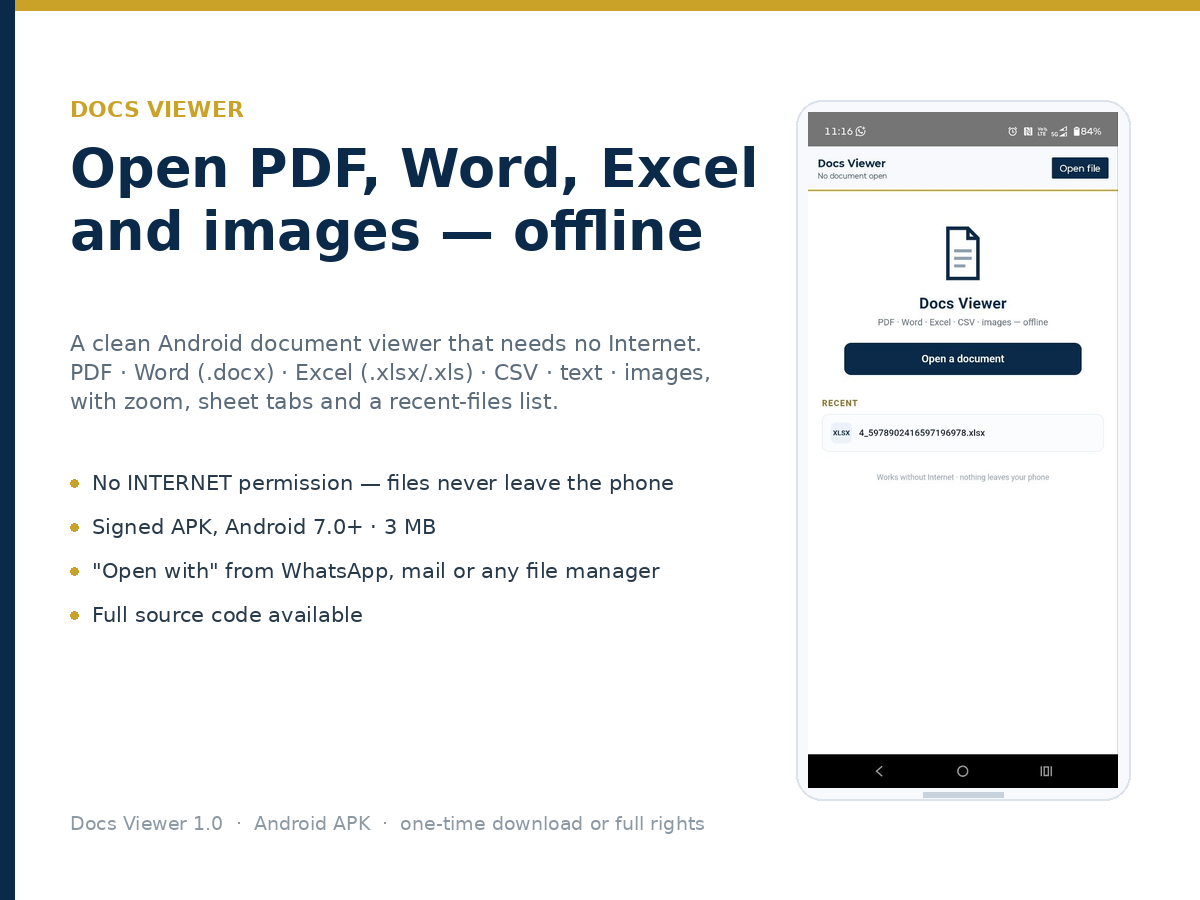
Open PDFs, Word, Excel and images on your phone without a single byte leaving the device. Docs Viewer is a small, fast Android document viewer built for people who work offline — site engineers, accountants, students, anyone who receives files on WhatsApp and needs to read them now. • PDF — multi-page, smooth scroll, zoom • Word (.docx) — text, headings, lists and tables • Excel (.xlsx) — rendered like the real sheet: every worksheet on its own tab, cell colours, fonts, borders, merged cells, column widths and number formats • CSV, TXT, MD, JSON, XML • Images — PNG, JPG, WEBP, GIF Save a copy to any folder, share straight to WhatsApp or mail, rename inside the viewer. No INTERNET permission. No ads. No analytics. No account. About 3 MB. Opens from "Open with" in WhatsApp, Gmail, Drive or any file manager. WHAT YOU GET • One-time download — signed APK (v1.2) + install guide. Install on your own devices, unlimited re-downloads. No source code. • Full rights — the APK plus the complete Android Studio project (Gradle 8.7, AGP 8.5.2, Java 17, one Activity + WebView, all renderers bundled). Unlimited commercial end products, modify and rebrand, no attribution. LICENCE Regular licence (download): use on your own devices, no resale, no redistribution. Extended licence (full rights): unlimited end products including paid client work, modify and rebrand; the delivered APK's signing key is not included — publish under your own key. Reselling the source itself is not permitted.
What you get: Signed APK (v1.2) + install guide
Free browser tools for AI creators
Small tools that do one job properly, in the browser, with no signup — built for people who generate and sell AI images, prompts and short videos.
Transparent backgrounds and sticker cutouts
Make a transparent-background PNG from any image, including the AI-generated stickers and character art that generators leave on a solid backdrop — batch a whole sticker pack instead of one file at a time.
Galleries and portfolio grids
Build a shareable photo or artwork gallery with a plain link, no account needed by whoever opens it — useful for client proofing and for showing a prompt pack’s output grid on a listing.
Quick notes and prompt scratchpads
A distraction-free notepad that saves as you type and needs no login — the fastest place to draft and re-order prompt variations while you work.
Calendars and planners
A simple visual calendar with no signup, for planning content drops and client deadlines without adopting a whole workspace suite.
Trending searches in this topic
- transparent background maker for AI art
- remove background from AI-generated stickers
- prompt organizer notepad online free
- AI art portfolio gallery tool online
Keep exploring
Frequently asked questions
Do these tools need an account?
No. They run in the browser; no signup and no upload to a third party.
Can I use the output commercially?
Yes — the files you make with these tools are yours to use, including in client work and products you sell.